How to Archive OnlyFans Content Safely and Efficiently?

Archiving digital content has become a practical necessity for many users. Whether you’re a creator safeguarding your own work or a subscriber preserving content you’ve legally purchased, having a reliable way to store and organize media is essential. On platforms like OnlyFans, where content availability can change due to deletions, expired subscriptions, or account closures, archiving ensures you don’t lose access to valuable material.
However, archiving isn’t just about saving files—it’s about doing so safely, efficiently, and responsibly. In this guide, we’ll break down the best tools and methods to archive OnlyFans content, from full-page capture solutions to media downloaders and alternative approaches.
1. Best Tool to Archive OnlyFans Pages – ArchiveKit
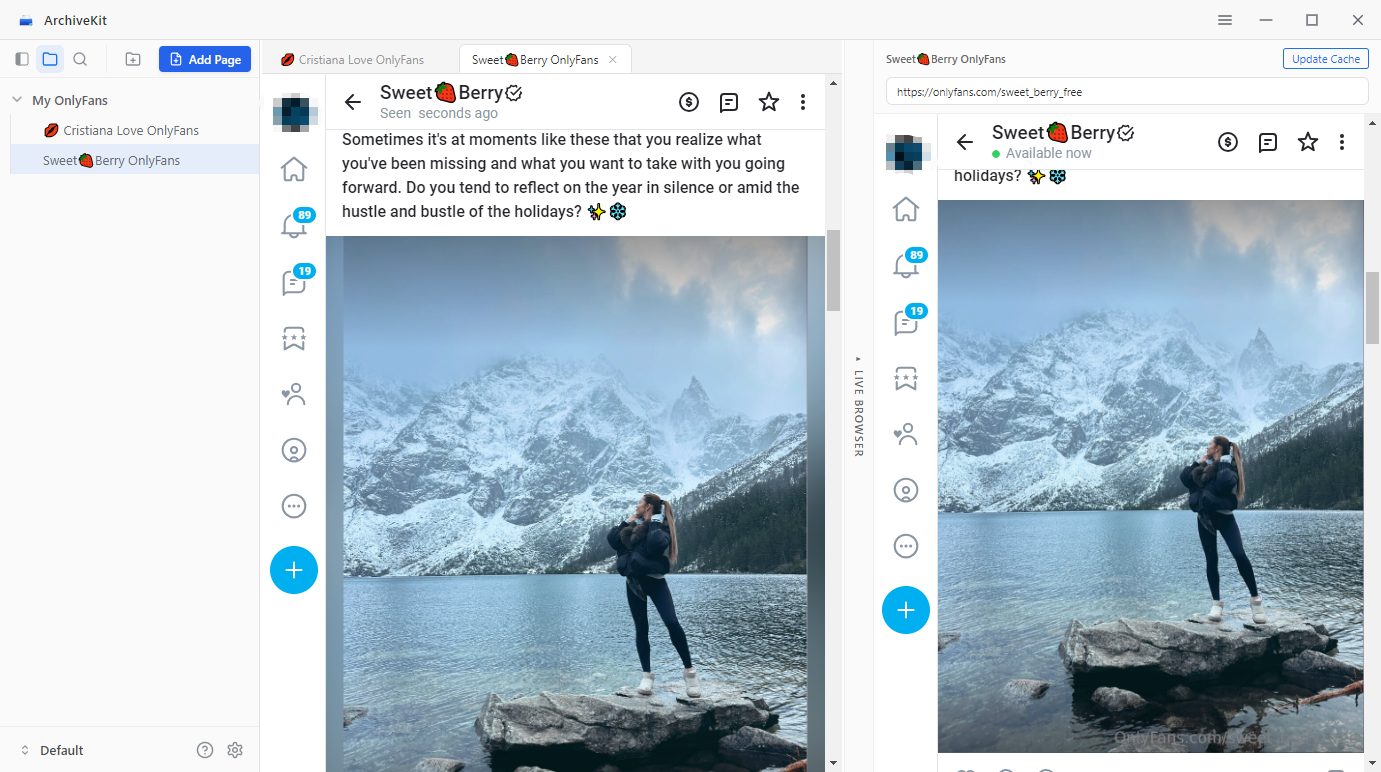
If your goal is to preserve entire OnlyFans pages exactly as they appear, Swyshare ArchiveKit is one of the most effective tools available.
Unlike basic download methods, ArchiveKit captures complete webpage snapshots, including layout, captions, comments, and embedded media. This makes it ideal for users who want a browsing-like experience when revisiting archived content.
Key Features of ArchiveKit :
- Save entire OnlyFans pages with all visible elements intact.
- Maintains formatting, making archives easy to navigate later.
- Archive multiple pages at once for maximum efficiency.
- Quickly locate archived pages using tags, folders, or keywords.
How to Use ArchiveKit to Archive OnlyFans pages:
- Download ArchiveKit, install and open it on your Windows or Mac.
- Copy the URL of the page you want to archive, and paste it into ArchiveKit.
- Scroll to load the full page and ArchiveKit will save the page extractly as it is.
- Organize your saved pages into folders and use the search feature for easy access.
2. Best Tool to Archive OnlyFans Videos and Images – OnlyLoader
If you’re primarily interested in downloading media files, OnlyLoader is a powerful and efficient solution.
Unlike page-based tools, OnlyLoader focuses on bulk downloading videos and images, making it ideal for building a high-quality offline media library.
Key Features of OnlyLoader:
- Archive multiple videos and images in one click.
- Preserve original media quality whenever possible.
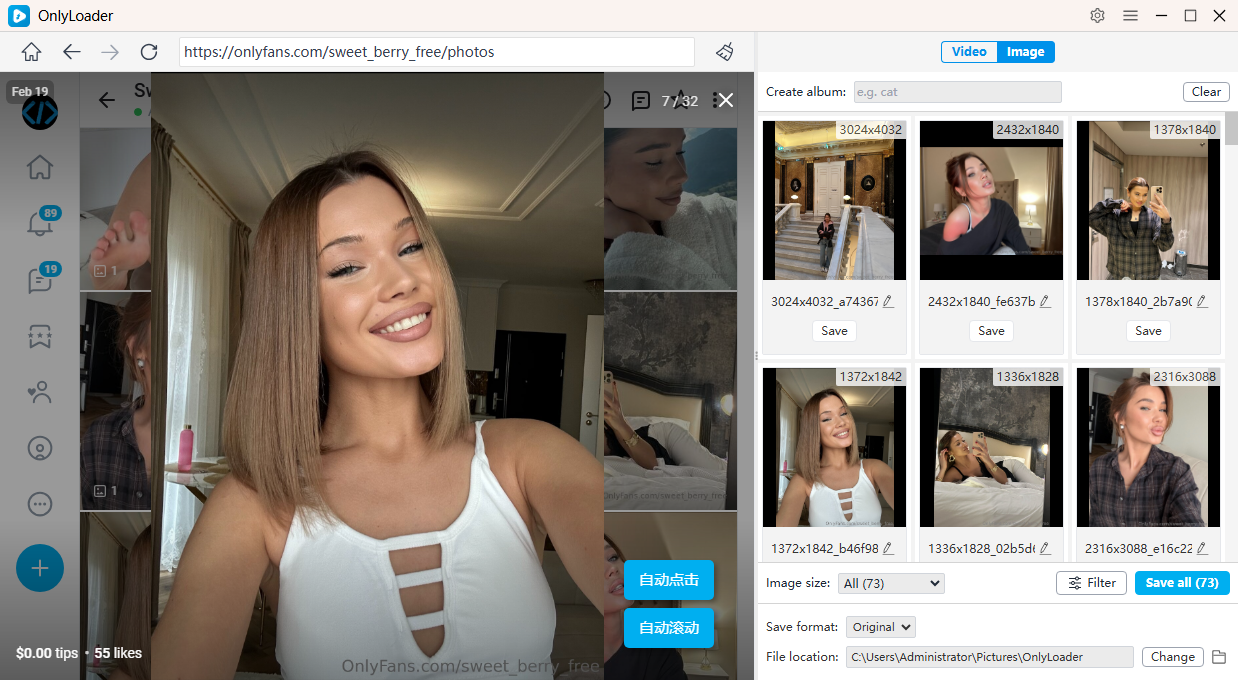
- Customize downloads by filtering image size and format.
- Export files in widely supported media formats, e.g. MP4 and PNG.
How to Use OnlyLoader to Archive OnlyFans Videos and Images:
- Download and launch OnlyLoader on your device.
- Access OnlyFans within OnlyLoader and log in if needed.
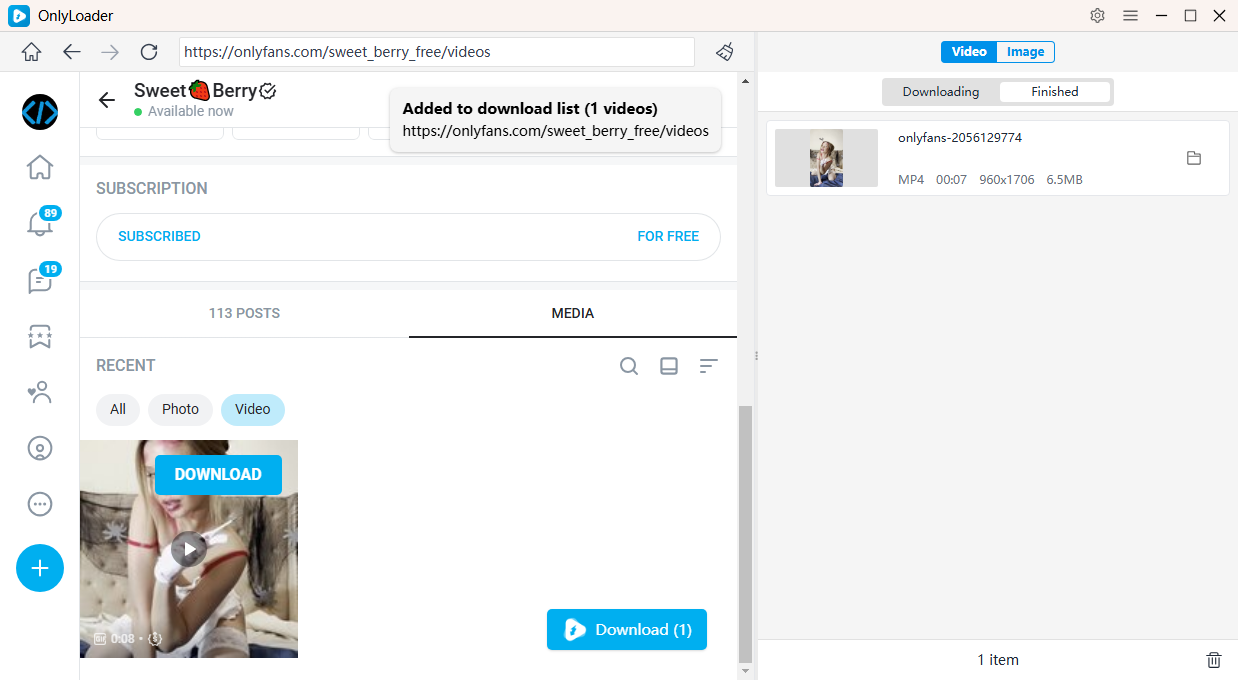
- For videos: go to the “Videos” tab, play a video, then click the download button to automatically queue and download all videos.
- For images: enable auto-scanning to extract original files, then filter and bulk download the images you want.
3. More Tools to Archive OnlyFans Content
Beyond dedicated tools like ArchiveKit and OnlyLoader, there are several alternative methods you can use depending on your needs. Below are the most common approaches – with popular real-world examples to help you choose the right option.
3.1 Browser Extensions to Archive OnlyFans Pages
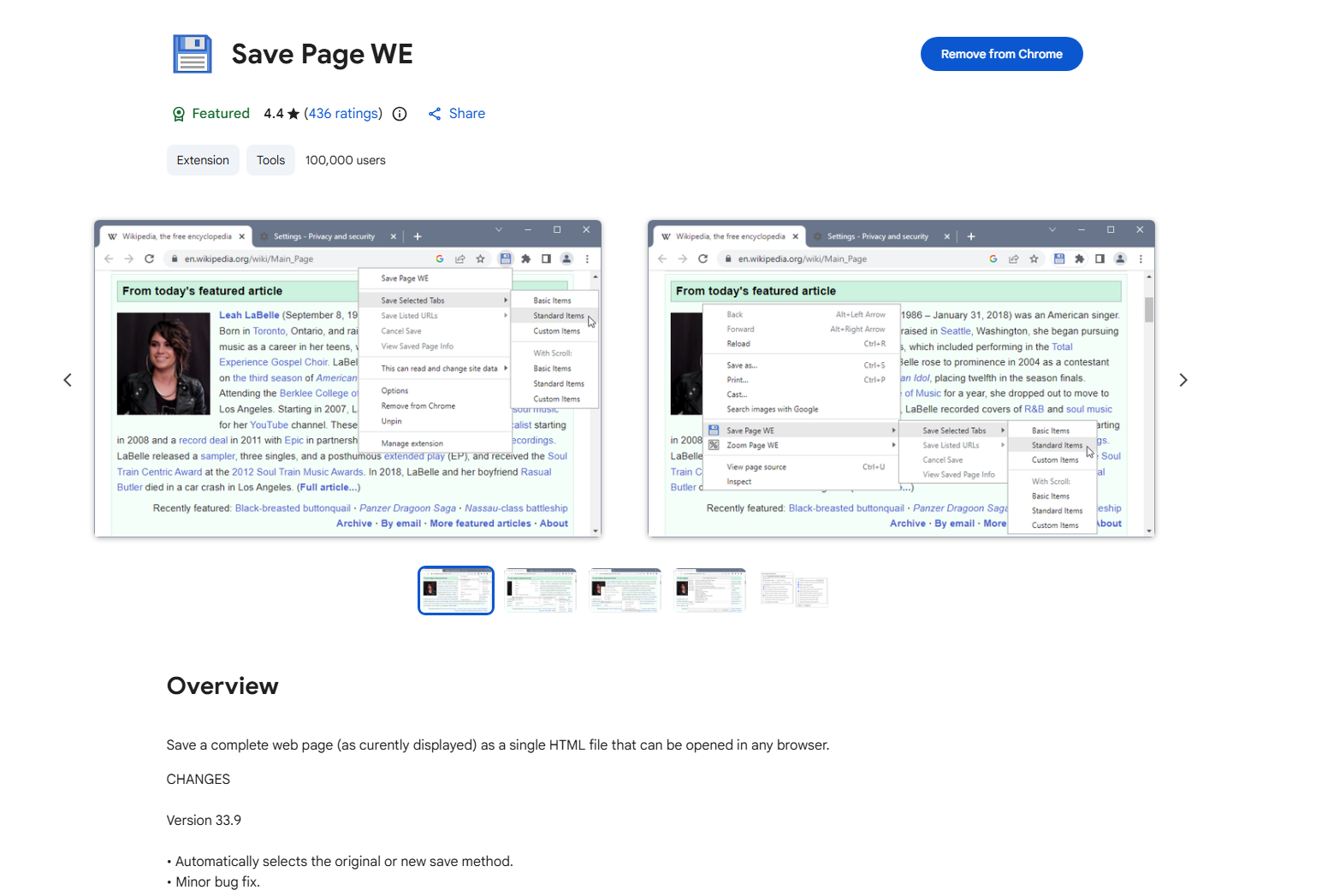
These tools work by extracting the page’s HTML and assets into a local file. They are especially popular because they preserve page structure in a compact format.
Popular Examples:
- SingleFile – Saves an entire webpage (HTML, images, styles) into one file
- Save Page WE – Captures full pages for offline viewing
장점:
- One-click page saving
- No separate software needed
- 가볍고 빠름
단점:
- May struggle with login-protected or dynamic content
- Limited batch capabilities
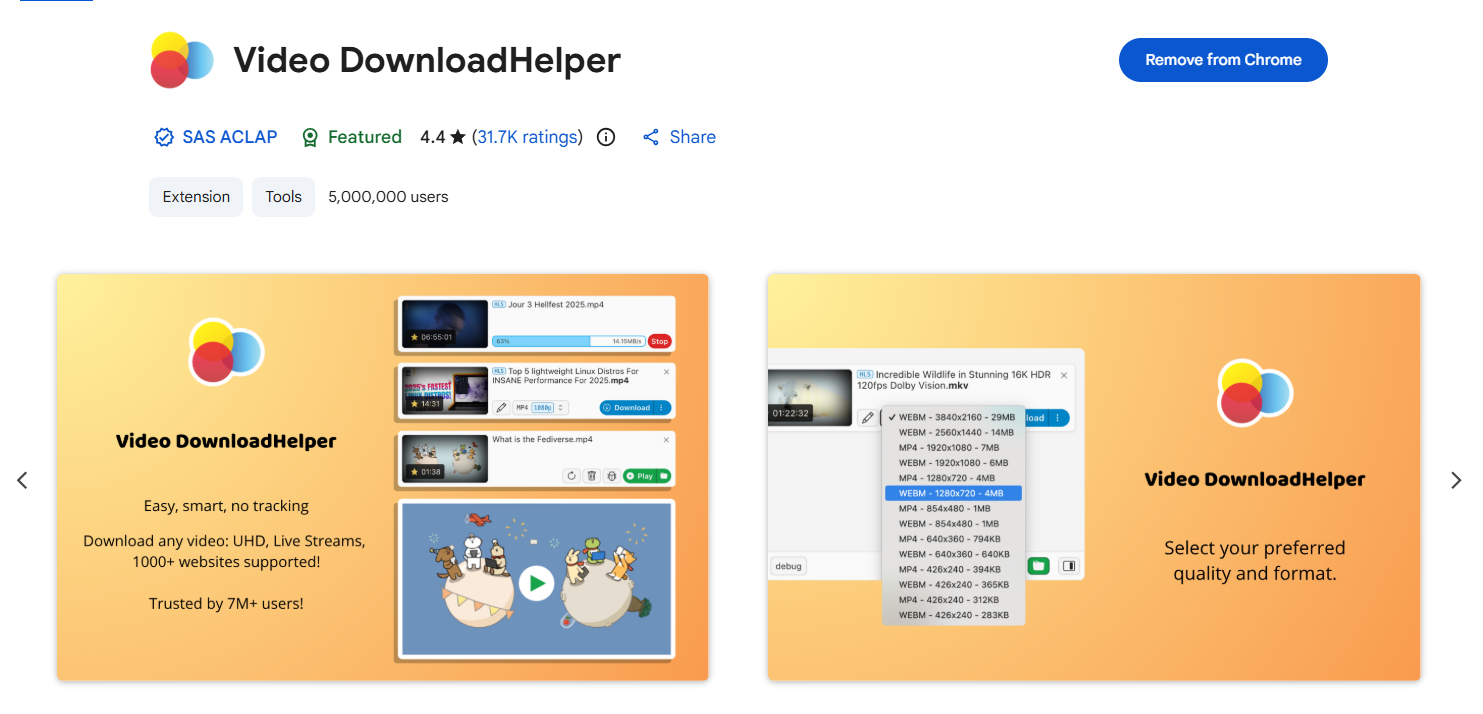
3.2 Browser Extensions to Download OnlyFans Videos
Video downloader extensions detect media streams and allow direct downloads.
Popular Examples:
- 비디오 다운로드 도우미 – One of the most widely used video downloader extensions
- FetchV – Specialized for HLS/m3u8 streaming downloads
- Video Downloader Ultimate – Detects embedded videos on webpages
장점:
- Convenient and fast
- Works directly inside the browser
- No technical setup
단점:
- Doesn’t always work with protected streams
- Some sites block detection
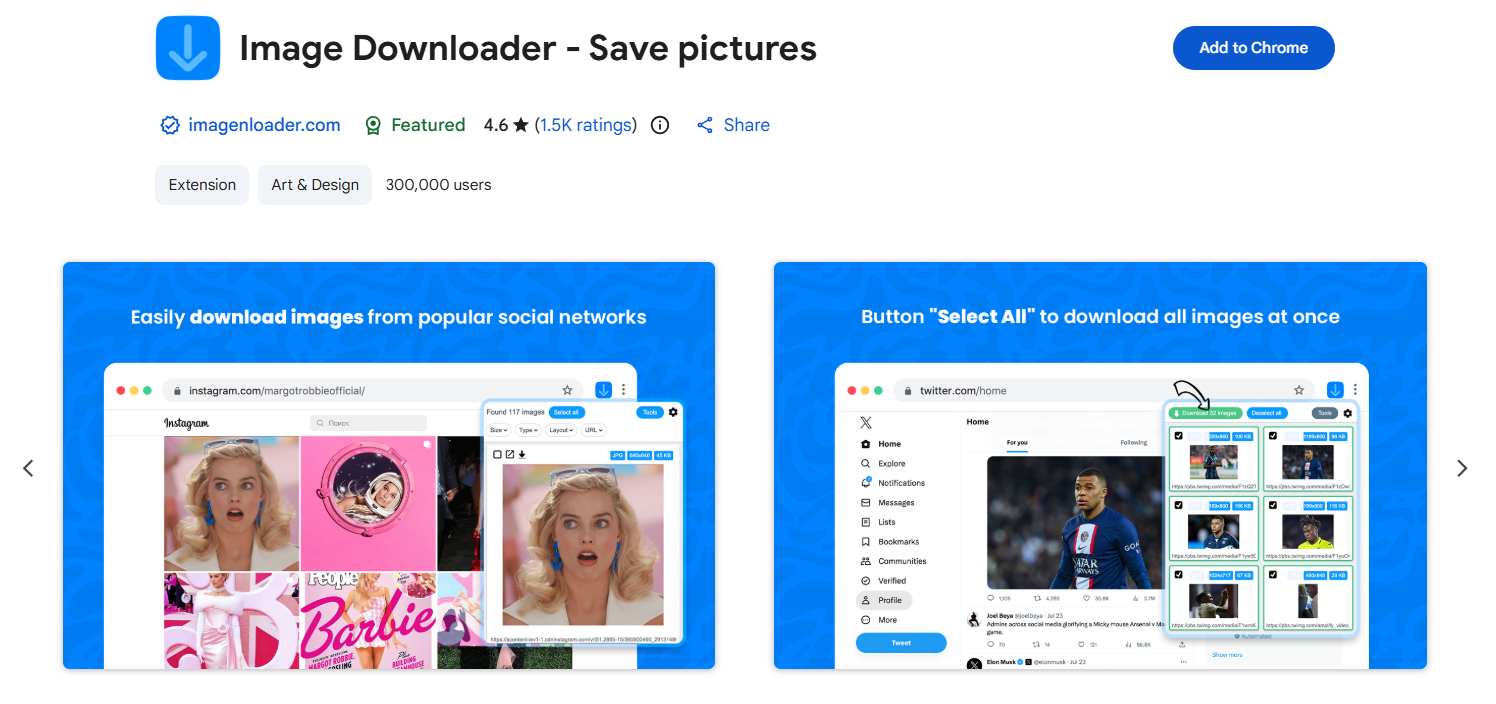
3.3 Browser Extensions to Download OnlyFans Images
If your focus is images, dedicated extensions can extract them in bulk. These tools scan the webpage and pull all available images, often allowing filtering by resolution or format.
Popular Examples:
- Download All Images – Bulk download images from a page
- Image Downloader – Filter and select images by size or type
장점:
- Fast bulk image extraction
- Easy filtering options
- 초보자 친화적
단점:
- May miss dynamically loaded images
- Limited organization features
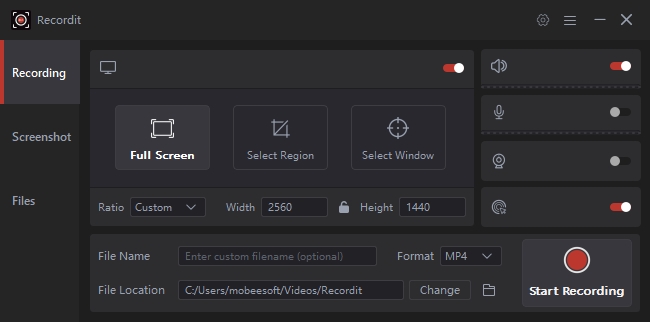
3.4 Screen Recording Tools
When downloading isn’t possible, screen recording is a reliable fallback. Screen recording works for virtually any content, including protected streams, but it captures playback rather than original files.
Popular Examples:
- OBS 스튜디오 – Free, open-source, and widely used
- Recordit – An easy-to-use screen recorder with editing features
장점:
- Works on almost any content
- No dependency on site compatibility
단점:
- Lower quality than original files
- Time-consuming
- Large file sizes
3.5 Manual Downloads
Manual saving is the simplest method, requiring no tools at all.
Popular Examples:
- Right-click → “Save image as”
- Browser developer tools (Network tab)
- Copy-paste media URLs
Even major tech guides note that basic right-click saving is still a common method for images, though it may not always work for embedded media.
장점:
- 설정이 필요하지 않습니다
- Full control over files
단점:
- Extremely slow for large amounts
- No automation
3.6 Command-Line Tools
For advanced users, command-line tools offer powerful automation and flexibility.
Popular Examples:
- yt-dlp – Highly customizable, actively maintained downloader
- JDownloader 2 – GUI-based download manager with automation
Tools like yt-dlp are widely used because they support thousands of sites and allow batch downloading, format selection, and automation.
장점:
- Extremely powerful and flexible
- Supports batch processing
- High-quality downloads
단점:
- Requires technical knowledge
- No built-in GUI (for most tools)
4. 결론
Archiving OnlyFans content safely and efficiently requires the right combination of tools and methods.
- ArchiveKit is the best choice for saving full pages with structure and context intact.
- OnlyLoader excels at bulk downloading high-quality videos and images.
- Additional methods – like browser extensions, screen recording tools, manual downloads, and command-line utilities – provide flexibility depending on your needs.
For the most effective workflow, many users combine multiple approaches:
- Use page archivers for structure
- Media downloaders for quality files
- Backup methods like cloud storage for security
By choosing the right tools and following responsible practices, you can build a reliable, organized, and long-lasting archive without unnecessary complexity.